
Arcadigo guide
2 player games online: play Aether Relay with a friend
Looking for 2 player games online? Learn how Aether Relay’s 1v1 mode works, what to do with the shared core and how to set up a quick match.
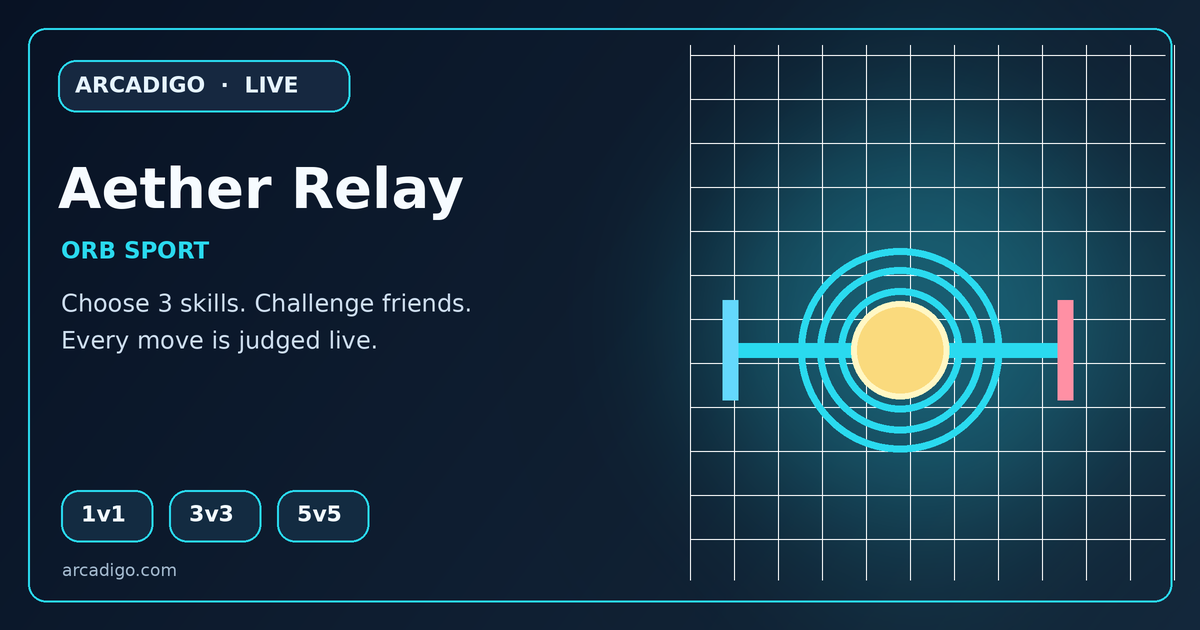
If you are searching for 2 player games online, the main choice is often how you want to play: a fast head-to-head duel, a puzzle to solve together or a larger team match with friends. Aether Relay is Arcadigo’s online orb sport. Its 1v1 mode gives two players separate sides of the arena, one shared core and a simple aim: carry the core into the opposing goal before the rival scores three times or the 90-second horn ends the match.
Choose a two-player game that fits the moment
For a quick game with one friend, look for a mode that starts with two people rather than one that needs a full party. Check whether you play against each other or cooperate, how long a round lasts and whether the controls make sense on the devices both players have. A duel works well when you want one clear opponent and a short rematch; a cooperative game is a better fit when you want to work toward one shared objective.
The phrase “2 player games online” can also mean two people sharing one screen, or two people joining from separate devices. Those are different setups. Before you send a game link, check its mode and invite flow so both players know whether they need their own browser window and whether the game is competitive or co-op.
What makes Aether Relay a two-player pick
Aether Relay supports 1v1, 3v3 and 5v5 modes. The 1v1 option is the smallest head-to-head format: one player tries to move the shared Aether core toward the rival goal while the other tries to intercept and take possession. If more friends join, the same game can expand into teams of three or five, so a two-person match can grow into a group session.
The core is the focus of each attack. Move into position to collect it, protect the carrier, pass when a route closes and try to score in the opposing goal. The first team to three goals wins; if the 90-second timer expires first, the lead decides the round. That gives a short match a clear finish condition without requiring a long campaign or a set of complicated menus.
How to start a match with a friend
Open the Aether Relay game page to review the current mode details and start options. Select 1v1 if you are playing as a pair. Arcadigo’s game information lists human matchmaking and a bot option, as well as a private lobby that can be shared with friends. Check the live lobby prompts for the current invite steps; the page is the source of truth if the interface changes.
Before the round starts, agree whether you are testing controls, playing for a quick best-of series or inviting others after the first match. If one friend is new, use the first round to learn how collection, passing and stealing work instead of treating it as a serious competition. A clear objective makes it easier to enjoy the rematch even if neither player knows the arena yet.
Controls for keyboard and touch
On a keyboard, the current Aether Relay listing says to move with WASD or the arrow keys and use Q, E and R for the selected skills. For touch, it lists tapping the arena or Action to pick up, pass or steal, with skill buttons and directional touch controls. Each player should read the controls shown in the game before a round; the best input method depends on the device and personal comfort.
If the game feels hectic, spend a moment in a low-pressure round getting used to movement and the core interaction. Keep your route toward the goal open, watch the opponent’s position and use a skill only when it helps the next action. Learning one control at a time is more useful than pressing every ability at once and hoping it works.
Small decisions that make 1v1 easier to read
In a head-to-head arena, the player with the core has to balance forward movement against protecting possession. A direct run can be quick when the lane is open; if the rival is already waiting there, a pass or change of direction may create space. When defending, watch where the core is moving and try to cut off the next route rather than following behind the carrier.
Treat each goal as a short lesson. Notice which approach gave you a clear path and which left you exposed to a steal. Since Aether Relay includes selectable skills, try to learn what each one does from the game’s own description before building a routine around it. The goal is to understand the match, not to assume that one fixed sequence beats every opponent.
Remote play, larger teams and browser expectations
Aether Relay is an online game, so a 1v1 match is for two people facing each other over the game’s live connection rather than a pass-the-phone board game. If you want more people involved, the available 3v3 or 5v5 mode offers a different rhythm: communication and passing matter more because the core and the opposing players have more possible routes.
Browser games are convenient because you can open the game page instead of choosing a console or app-store download. Device compatibility and connection quality still depend on the current game build and each player’s setup. Check the game page for current requirements, and leave time for both players to load in before inviting someone into a match.
Try a two-player browser match
For a short competitive session, choose the 1v1 mode, learn how to move and interact with the core, then play to the three-goal or time-limit finish. If you want a cooperative puzzle or another style of play, browse Arcadigo’s game catalogue and choose a title whose player count and objective fit your group.
This guide focuses on the actual two-player match format rather than listing unrelated games. Open the games hub for more ways to play, or visit the Singapore English blog for other local guides. Aether Relay is for entertainment; take breaks and enjoy a match at your own pace.