
Arcadigo guide
Free online strategy games: plan a route in Hex Foundry
Learn how Hex Foundry scores connected centre tiles, how to choose three counterable skills and how to coordinate 1v1, 3v3 or 5v5 play.
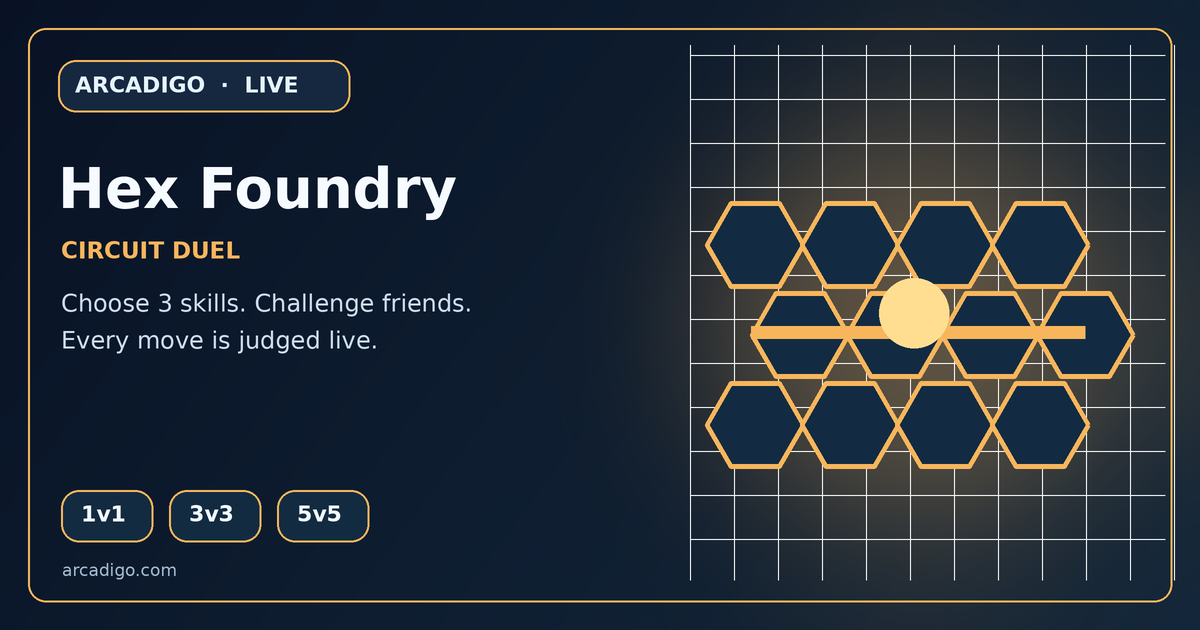
<p><strong>Free online strategy games</strong> can offer a quick match without a large installation. Hex Foundry is a live circuit duel in which players rotate and claim pipe tiles to connect their team’s edge to a central reactor. The server checks the route every 4.5 seconds. If connected claimed tiles reach the centre, that centre scores two points; the first team to 20 wins. The objective sounds simple, but timing, route planning and the choice of three skills can change which connection is worth building.</p> <h2>Understand the circuit objective</h2> <p>At the start, identify your team’s power-source edge and the centre reactor. Look at the pipe orientations and consider which tiles could form a connected route. A tile can point the route in a useful direction or create a dead end, so do not rotate pieces at random. Claiming a tile is part of the plan: the server traces connected tiles that belong to your team, not just any open path on the board.</p> <p>Every 4.5 seconds the game checks the current network. A connected centre tile gives two points, and the first side to reach 20 wins. This creates short decision windows: a route that is incomplete at one check might score at the next if the team claims the missing connection in time. Watch the board state before the next trace and decide whether to extend your route, defend a useful junction or disrupt the opponent’s line.</p> <h2>Plan routes rather than isolated moves</h2> <p>Trace a path from your edge towards the reactor and check each connection as you go. If one tile points away from the next segment, a straight-looking route may still be broken. Think one or two tiles ahead before spending a move. A connected route can also become vulnerable when the opponent contests an important junction. If your team commits every player to one line, it may leave another approach open.</p> <p>In team modes, divide attention. One player can extend the main route, another can protect a junction and a third can watch for an opponent’s connection. In a 1v1 match, you have to switch between building and interrupting more often. Do not chase every rival move: focus on tiles that affect the centre trace or expose a short scoring path. A small claimed section that joins reliably can be more useful than a long route that is easy to break.</p> <h2>Choose three skills with a purpose</h2> <p>Before the match, choose three of the six skills and read what each one does. Surge gives a short tempo boost, Ward blocks one hostile Jam or core steal, Jam slows one rival and Cleanse removes Jam while granting brief protection. Echo enhances the next objective action, while Phase can dodge hazards or prepare an objective action. These tools are counterable, so think about the opponent’s likely response rather than choosing only for the skill’s description.</p> <p>Use a skill when it supports a route or protects a scoring window. Surge may help you reach a key tile quickly, while Ward can preserve a planned action from a hostile interruption. Jam is more useful when the target is important to the current connection, not simply because a rival is nearby. Keep track of which abilities have been used and whether the opponent has a counter. An ability spent without a route plan may not change the result of the next server trace.</p> <h2>Pick the right team mode</h2> <p>Hex Foundry offers 1v1, 3v3 and 5v5 formats, with options for bots, instant matchmaking or human-only play. A smaller match gives each move more direct impact; a larger team can divide route building, defence and skill timing. If you are learning, a mode with fewer simultaneous actions can make it easier to follow how a tile rotation changes the circuit. If you invite friends, agree on simple roles before the match begins.</p> <p>Instant Match may find another player or use a clearly labelled bot option according to the lobby. Human Only waits for people and does not silently add an AI. Private invites let friends choose a team, so use the lobby controls to confirm which side each person joined. Matchmaking details can change by mode or game version; read the lobby labels rather than assuming every queue behaves the same way.</p> <h2>Controls and online play</h2> <p>On a keyboard, click a pipe tile to rotate it, then use Q, E and R for the three selected skills. On touch screens, tap a tile and use the on-screen skill buttons. Check the current game page for the control layout and mobile support. A small screen can make it harder to see a long route, so zoom or rotate the device only if the full board remains visible and the controls still work properly.</p> <p>Because Hex Foundry is live and server-authoritative, the server determines claims, route traces and scores. A delayed connection can make a move appear later than you expect. Avoid waiting until the final moment of a 4.5-second trace to rotate an important tile. Confirm that a move registered before planning the next one. If the board state does not match your action, read the current on-screen status and give the match a moment to update.</p> <h2>Improve after each match</h2> <p>After a win or loss, review the moment when the route stopped scoring. Did the team claim a disconnected tile? Was a junction left undefended? Did an ability get used before the rival’s Jam? Identify one cause and adjust that on the next run. If every player changes strategy at once, it is harder to tell which move helped. A simple role call and one clear route objective can improve coordination quickly.</p> <p>Free online strategy games reward planning as much as quick input. In Hex Foundry, keep the team’s route connected, watch when the next server trace will happen and spend skills to support a specific move. The <a href="https://arcadigo.com/games/hex-foundry">Hex Foundry game page</a> shows the current modes and controls. Start by connecting a short safe route, then learn when to extend, defend or disrupt as the score approaches 20.</p>